


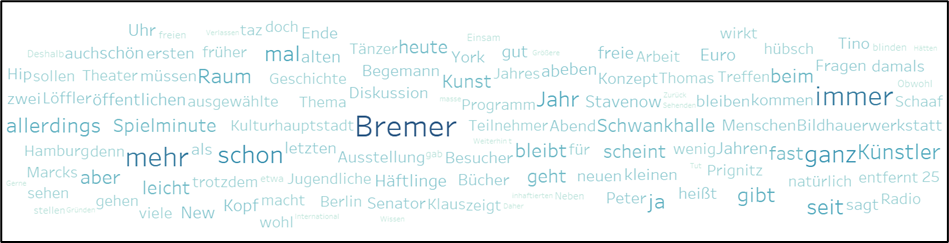
To create a word cloud you need a dimension. Drag the Dimension you want to build as a word cloud onto the Text Field on the Marks Card.
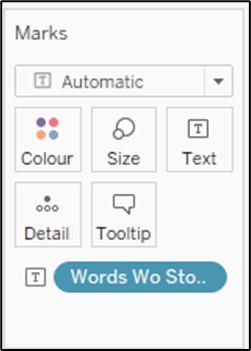
Tableau will create a Text Field for you with all the words in your Dimension.

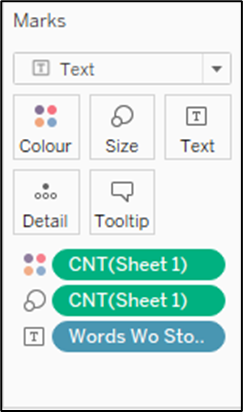
For our Word Cloud we want to see the frequency of how often a word was used and need to draw the Measure of how often the words were used (e.g. Number of Records) onto the Size Field in the Marks Card.
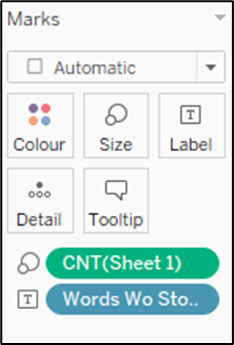
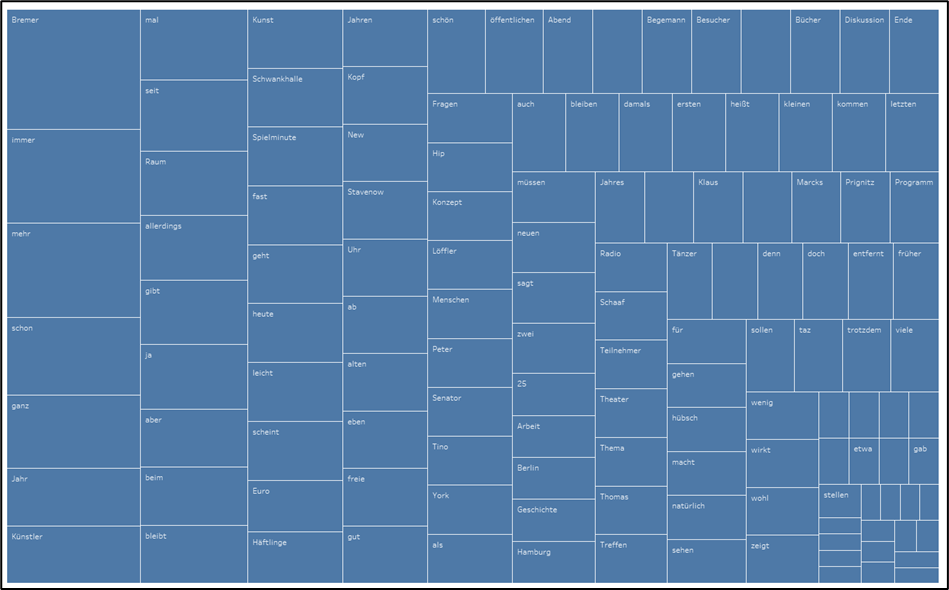
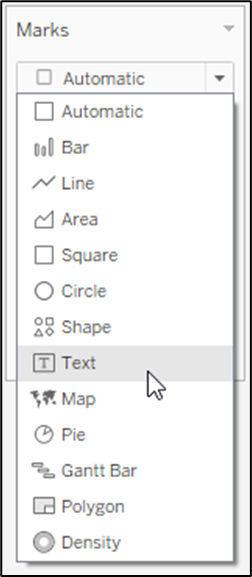
Tableau will automatically created a Tree Map for us, but we will just change it back to Text to create our Word Cloud.
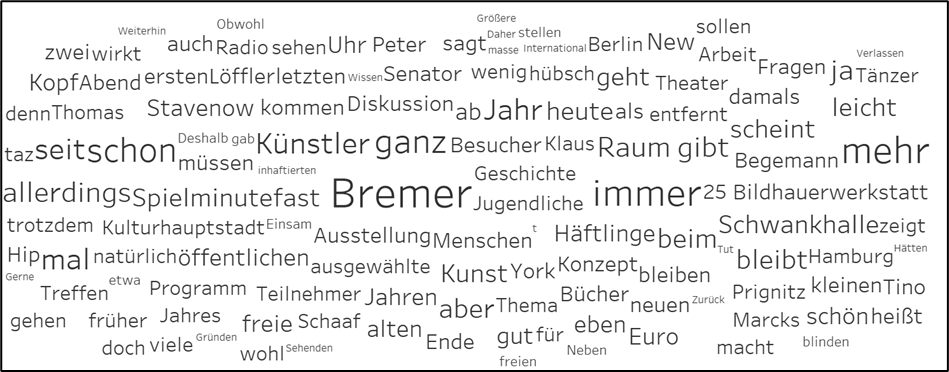
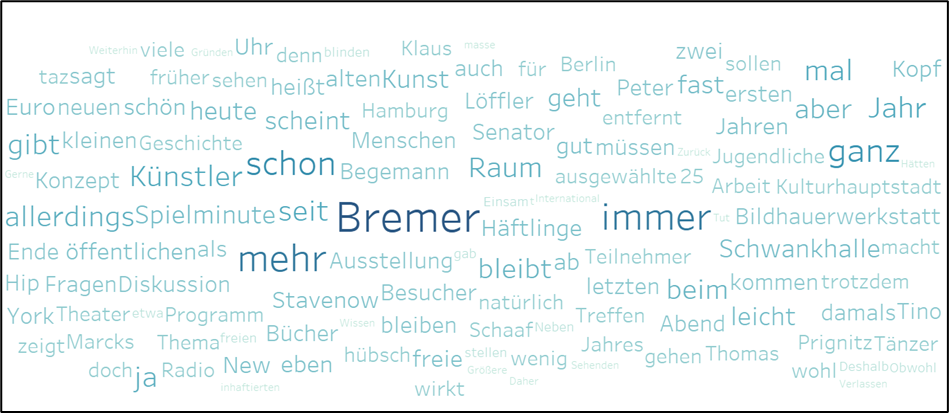
Now you already created your Word Cloud, but you can do some final touches and drag the Number of Records onto Colour to create a colour scale for the frequency of usage of the words as well.
Here is the link to a Dashboard where I used a Word Cloud: